
Stay Connected with the Parent Portal
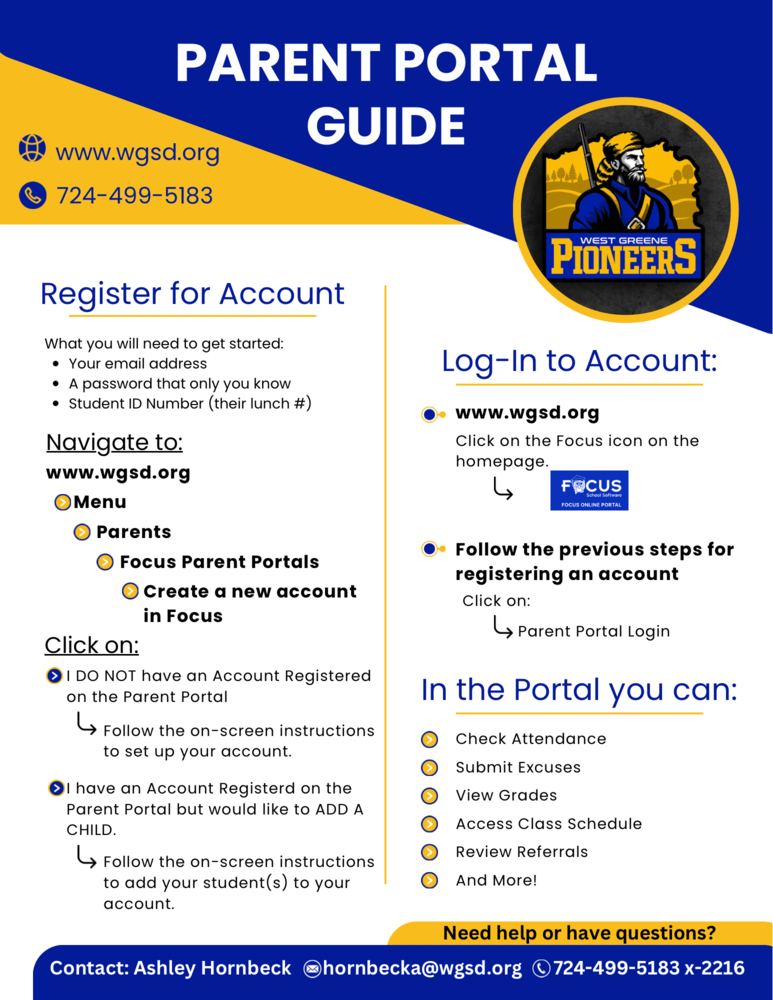
Do you have a Parent Portal account yet? If not, now is a great time to create one! The West Greene School District Parent Portal provides families with convenient access to important information about their students.
Through the Parent Portal, parents and guardians can:
Check student attendance
Submit excuses
View grades
Access class schedules
Review referrals
And more!
Creating an account is easy. Visit www.wgsd.org and navigate to Menu → Parents → Focus Parent Portals → Create a New Account in Focus. You will need your email address, a password you choose, and your student's ID number (lunch number).
If you already have a Parent Portal account but need assistance logging in, resetting your password, or adding a student to your account, please contact Ashley Hornbeck for assistance.
Ashley Hornbeck
📧 hornbecka@wgsd.org
📞 724-499-5183 ext. 2216